A countdown timer with music that fades out before time's up
Play music while people work, and let it end on its own. Fadeclock fades it in at the start and out before time's up, so the room hears the end coming and you don't have to stop a song by hand.
Version 0.1. The timer, breaks and music are free. Pro adds start buttons for HTML slides and web pages.
What you hear
- When a timer starts, the music rises from silence over 20 seconds.
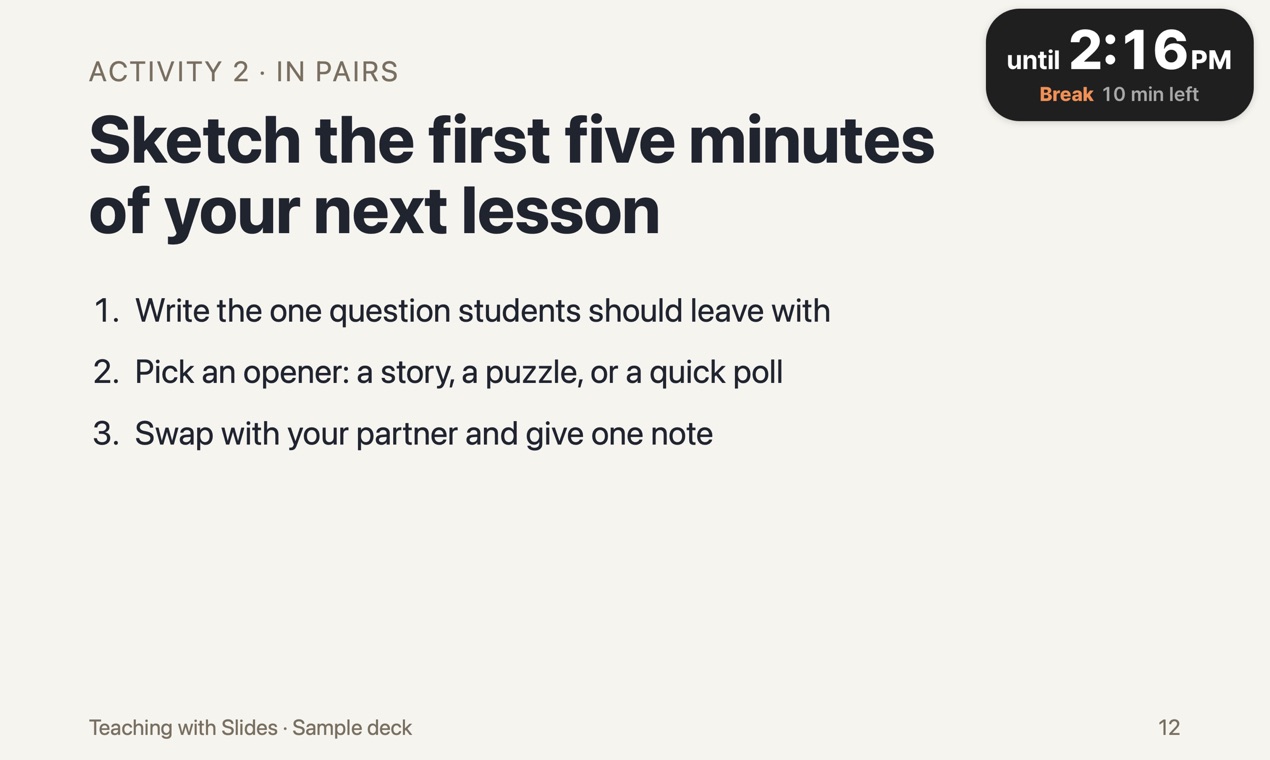
- In the last 30 seconds it fades out, so the room hears the end coming.
- At the end, one chime. Then quiet.
No music chosen? The timer and the chime still run.
Where the music comes from
Paste a YouTube video or playlist link in the timer window once. Every activity starts it for you, and the next activity continues the playlist where it stopped.
Two honest caveats: YouTube needs an internet connection, and YouTube may play ads before or during a video. You are responsible for having the right to play that music where you use it.
When you need the room's attention
Hover over the capsule and pause the music, say what you need to say, then play it again. The capsule also has buttons to change the volume, shrink the timer to a dot, or close it. If you shrink it, the music and the end chime carry on.
Breaks get their own label
Start a break from the same window. The capsule says Break while it runs and Break's over when it ends, so people coming back with coffee know what the clock means.
Check the sound before people arrive
A 1-minute test plays the music, the fade-out and the end chime. Run it in the room to set the speaker volume.
Before you download
- Mac only, macOS 13 or later. There is no Windows version.
- Fadeclock is not notarized by Apple. The first time you open it, macOS blocks it and you allow it in System Settings. See the steps.
- If your Mac is managed by a school or company, that option may be turned off, and Fadeclock will not open on that Mac. The download is free, so check this before you buy anything.
- Tested over Keynote in presentation mode. PowerPoint and Google Slides haven't been tested yet.
- Built for Apple silicon and Intel Macs, but not yet run on an Intel Mac.